
Getting started takes a few minutes
When a project starts, we send you an invitation. These are the only steps.
- 1
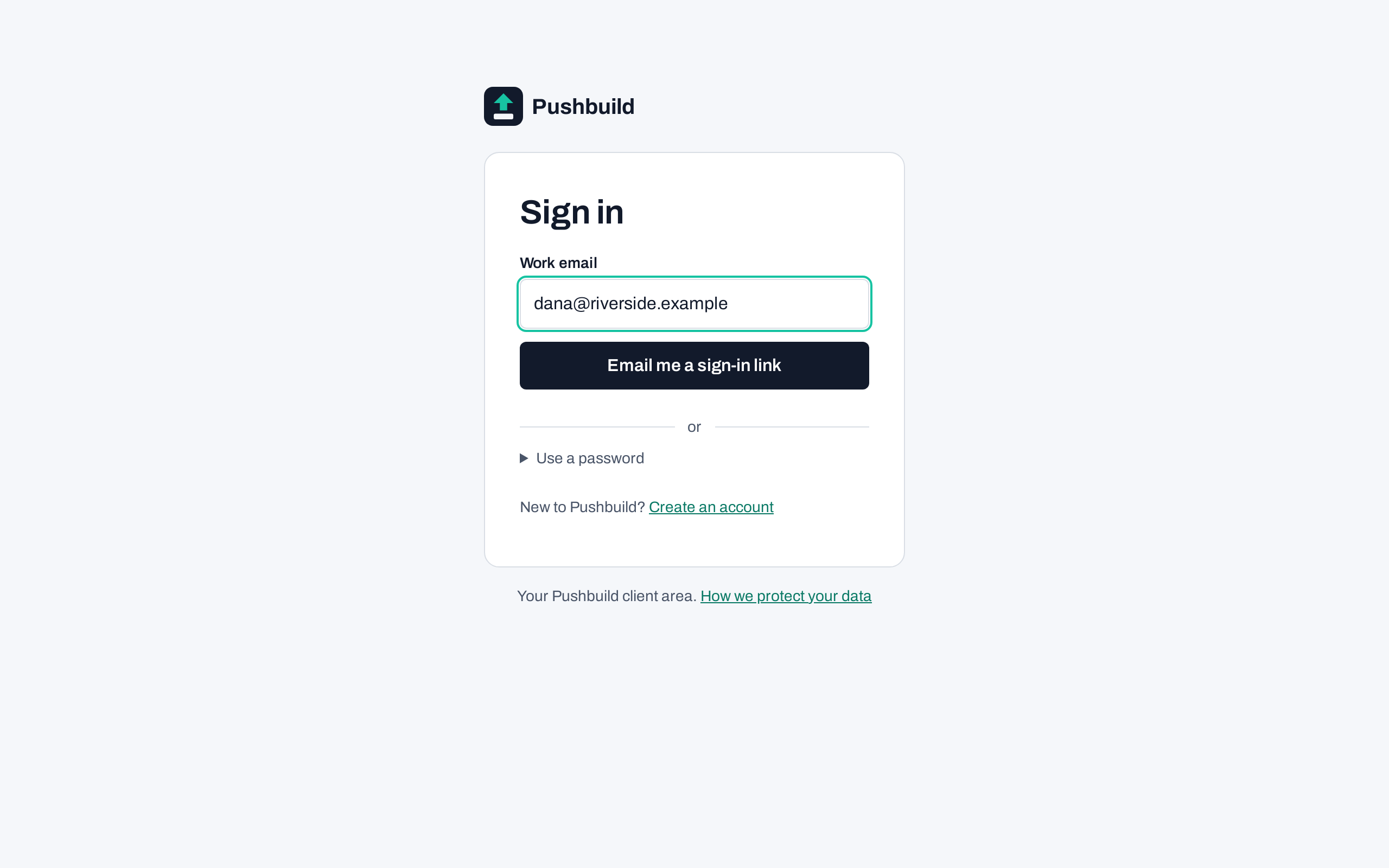
Sign in with an email link
No password to set up. You get a one-time link by email and you are in.
- 2
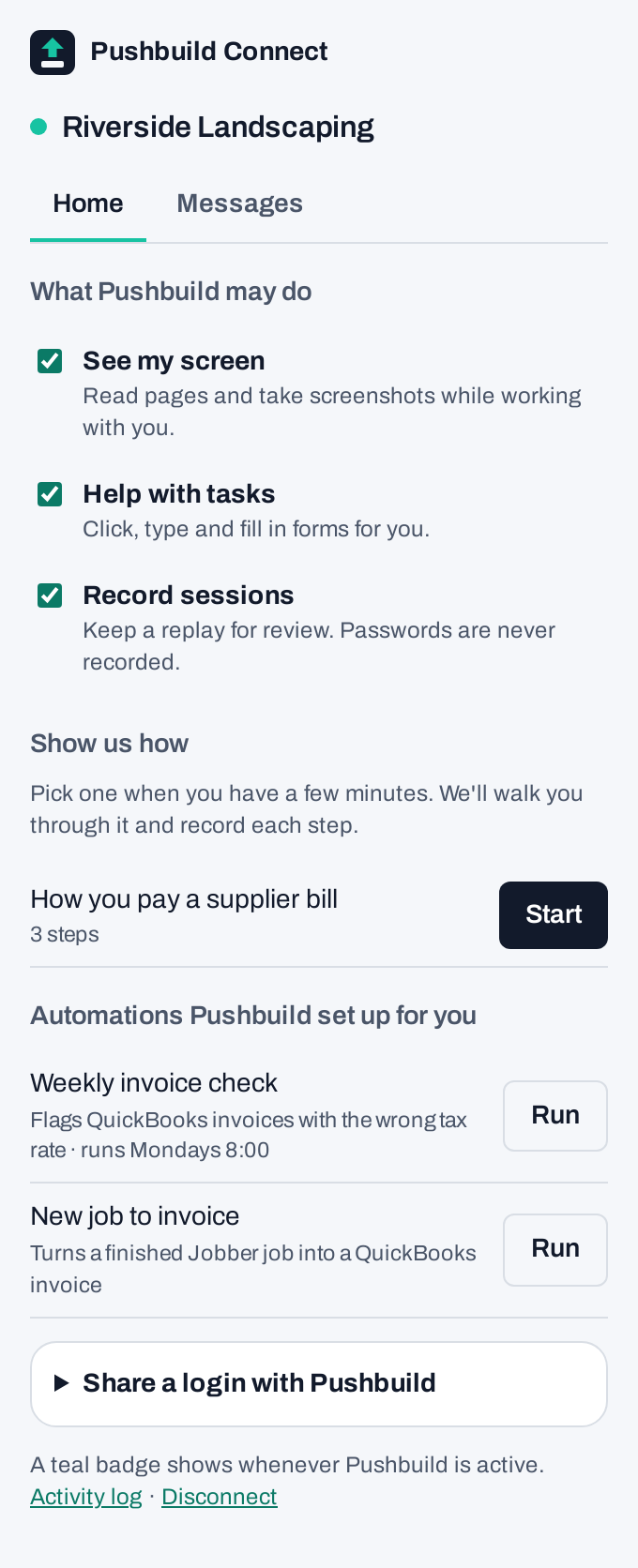
Install Connect and pair it
Download the Connect app or browser extension and pair it with your account in one click.
- 3
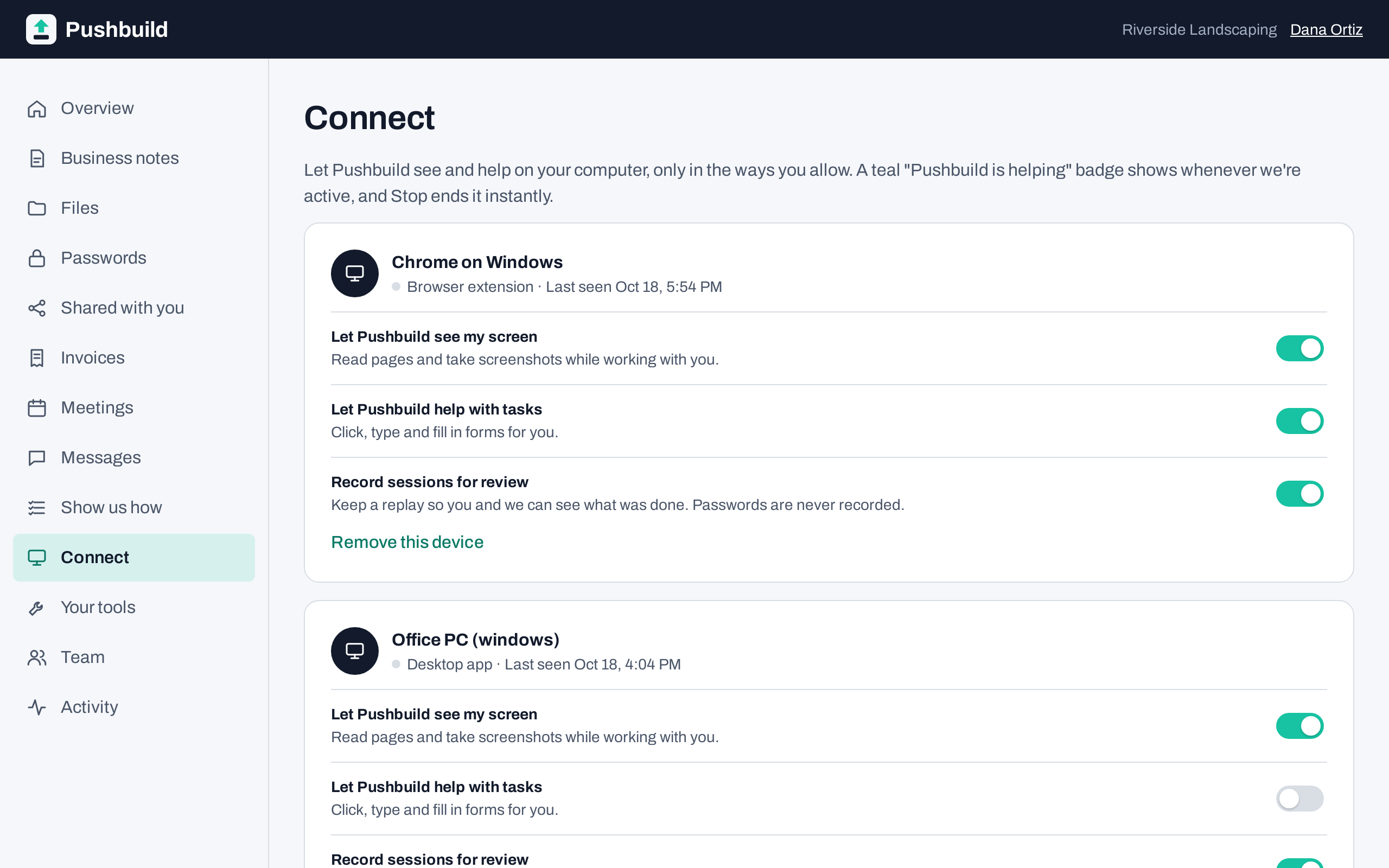
Choose what we may do
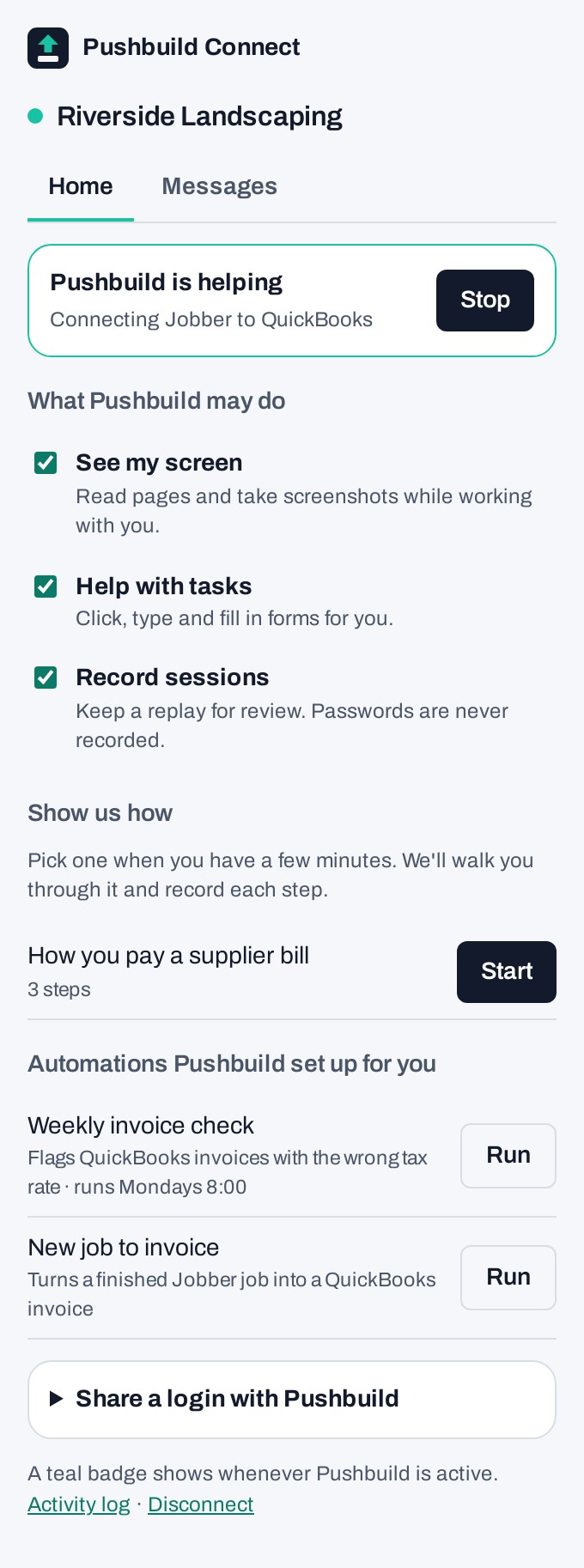
Three plain switches decide what Pushbuild can see and do on your computer. You can change them at any time.


Working together, day to day
Once you are set up, the portal is where the project runs.
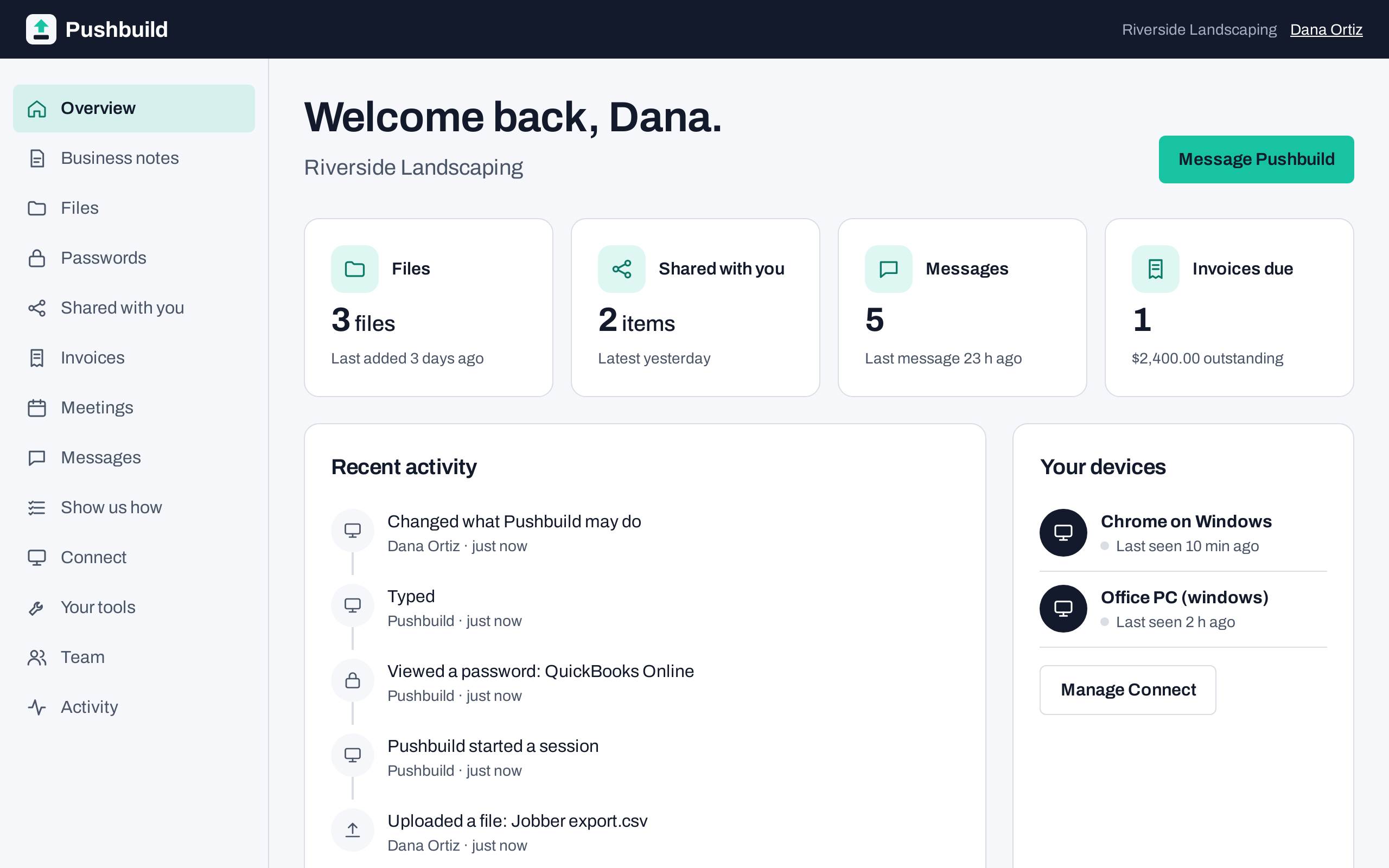
Your project, in one place
Notes, files, meetings and what we are working on for you right now.
You always know when we are working
While we work on your computer, a banner says so, with a Stop button that ends it immediately.
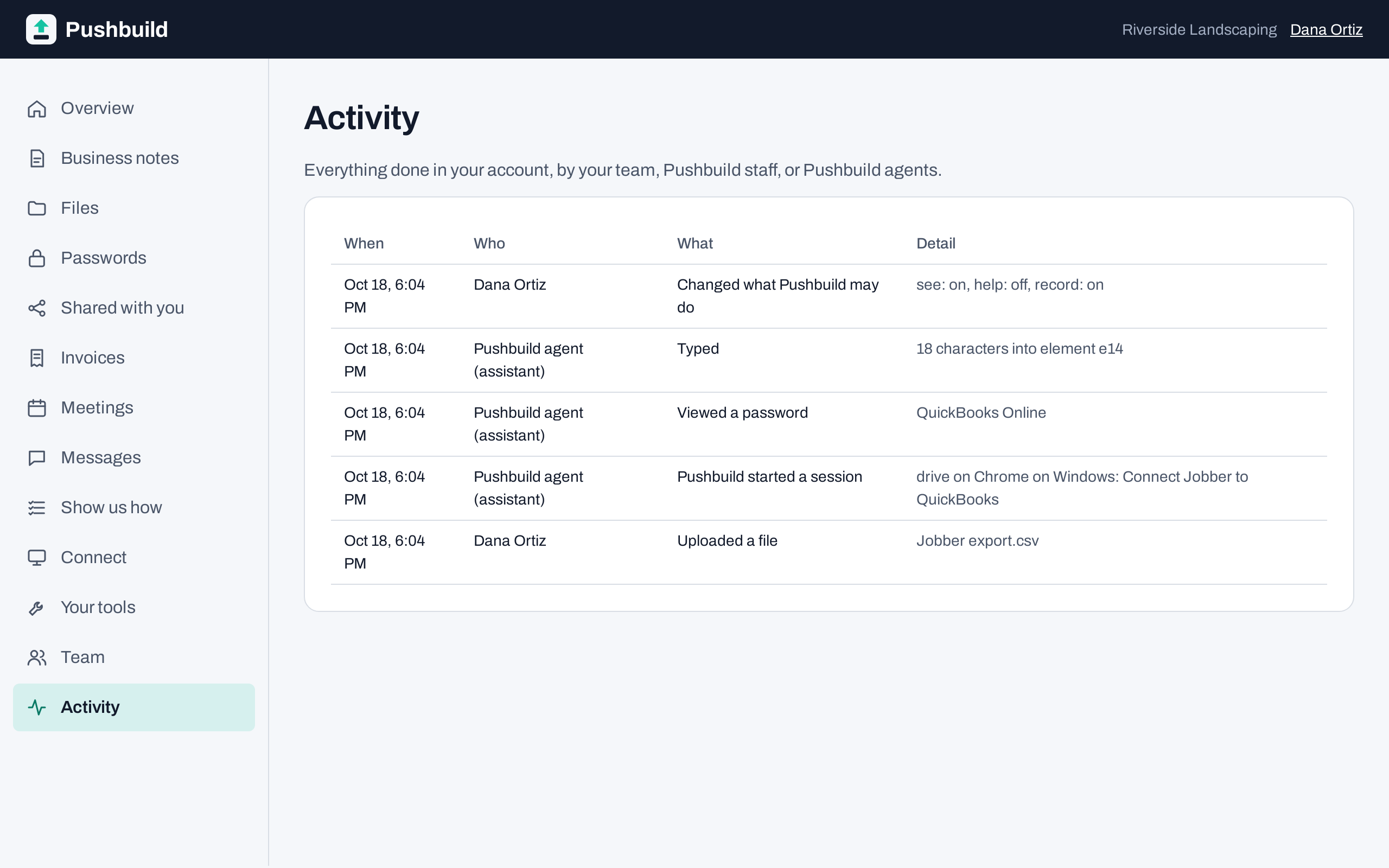
Every action is logged
A plain activity log shows each thing we did, and when.
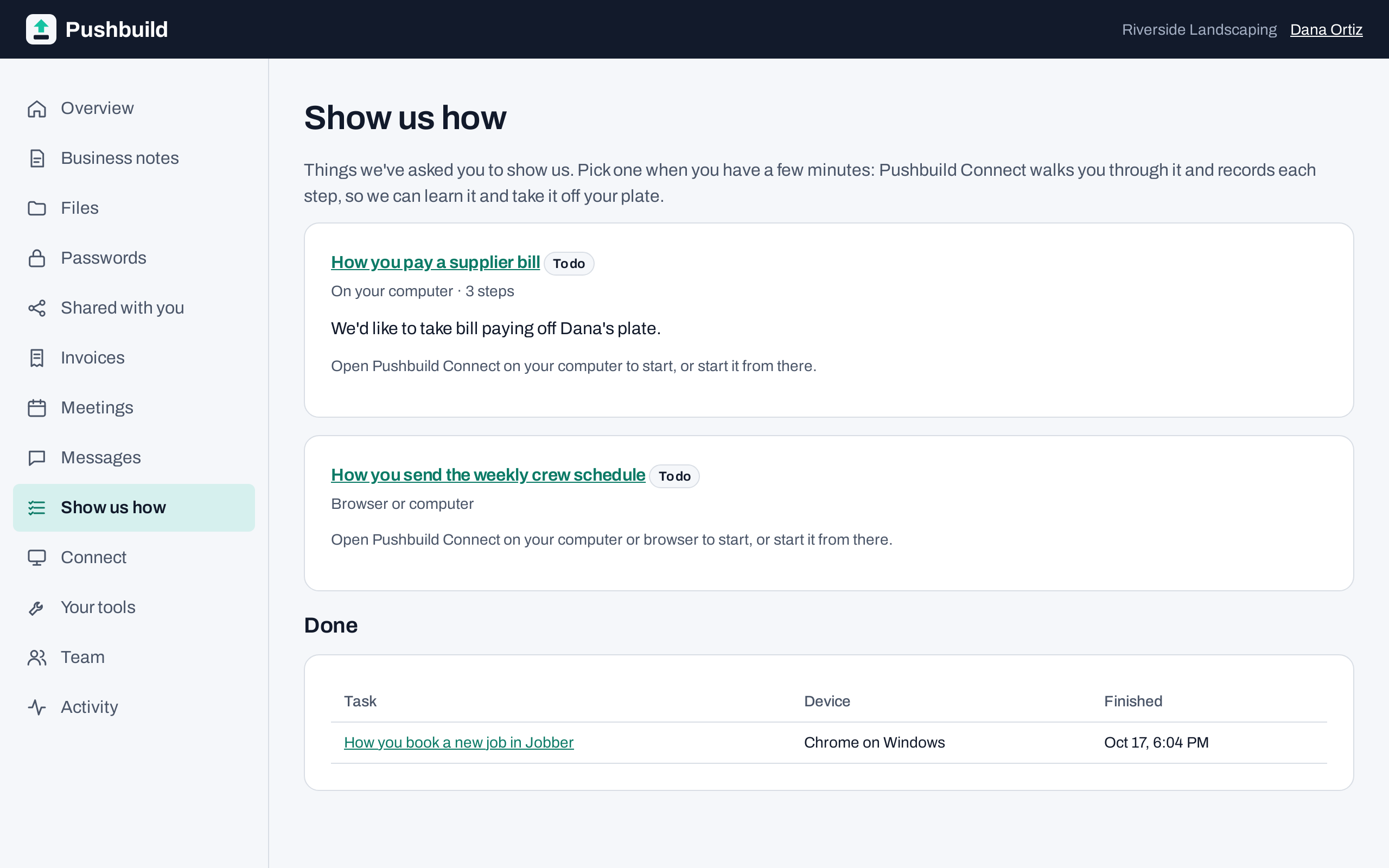
Show us how you do it
Pick a task and do it once as you normally would. Connect records each step, so we can build the automation from what you actually do.
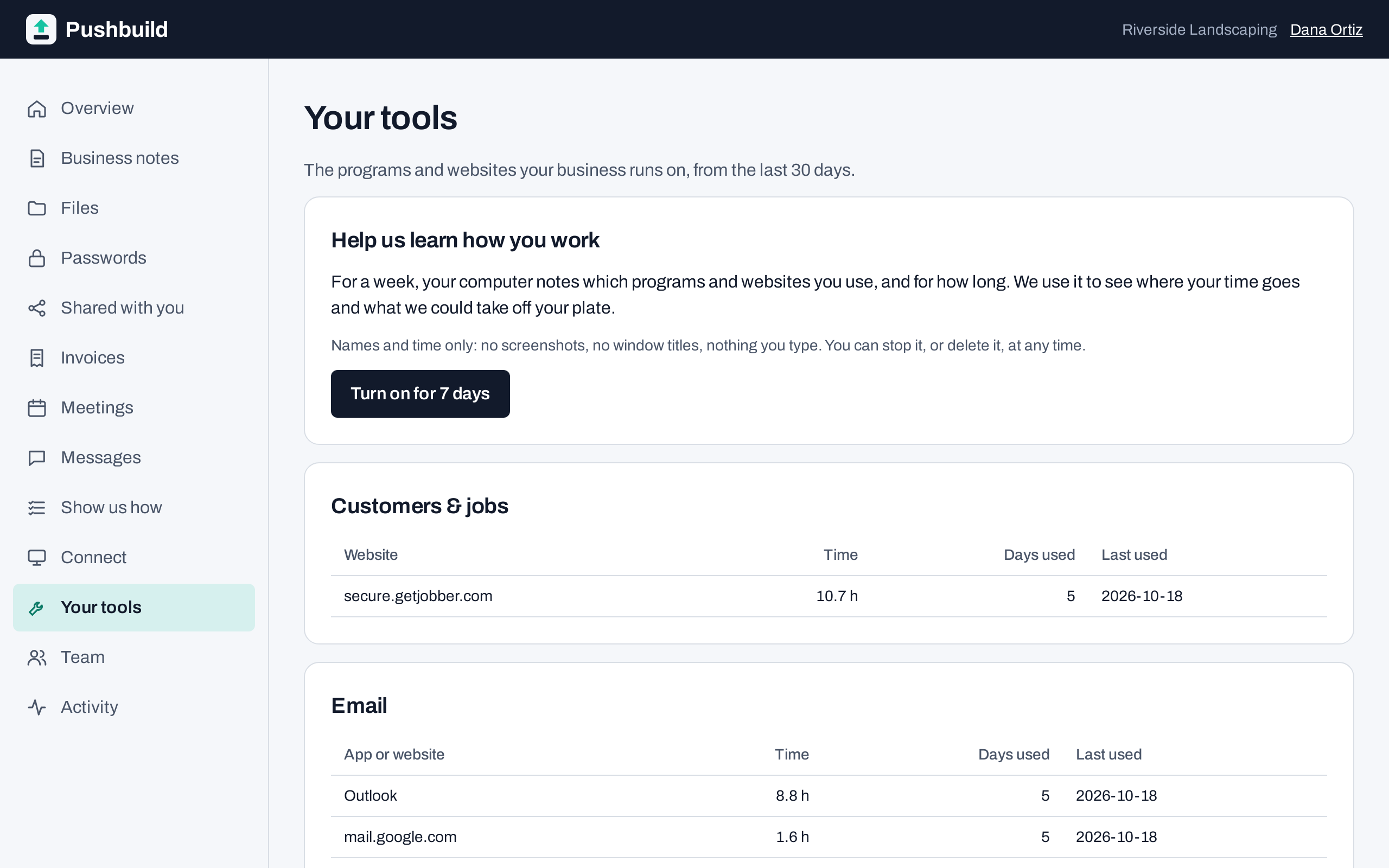
Your automations
Everything we have built for you, with its status.
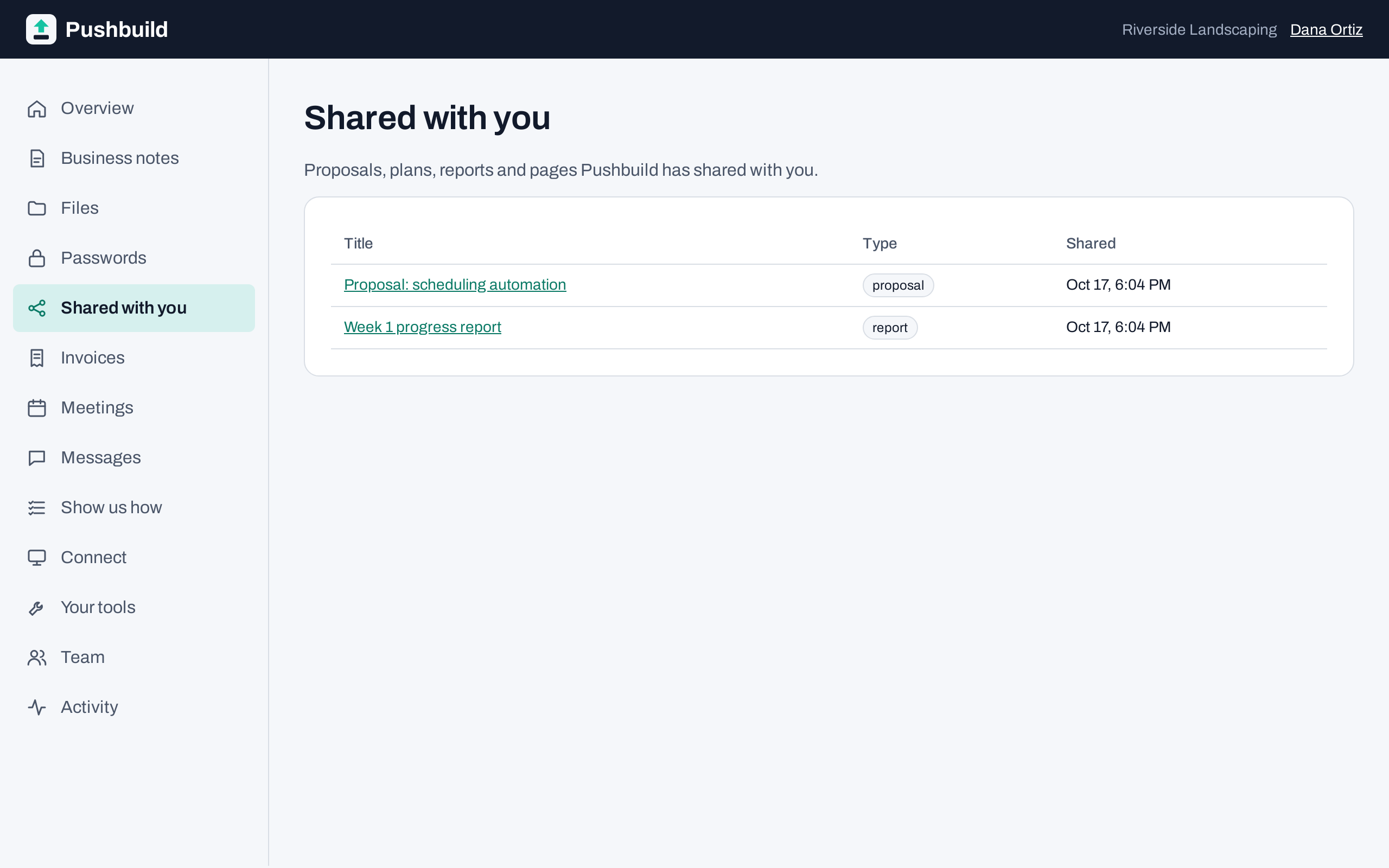
Proposals and reports
Scopes, proposals and reports are shared with you in the portal.
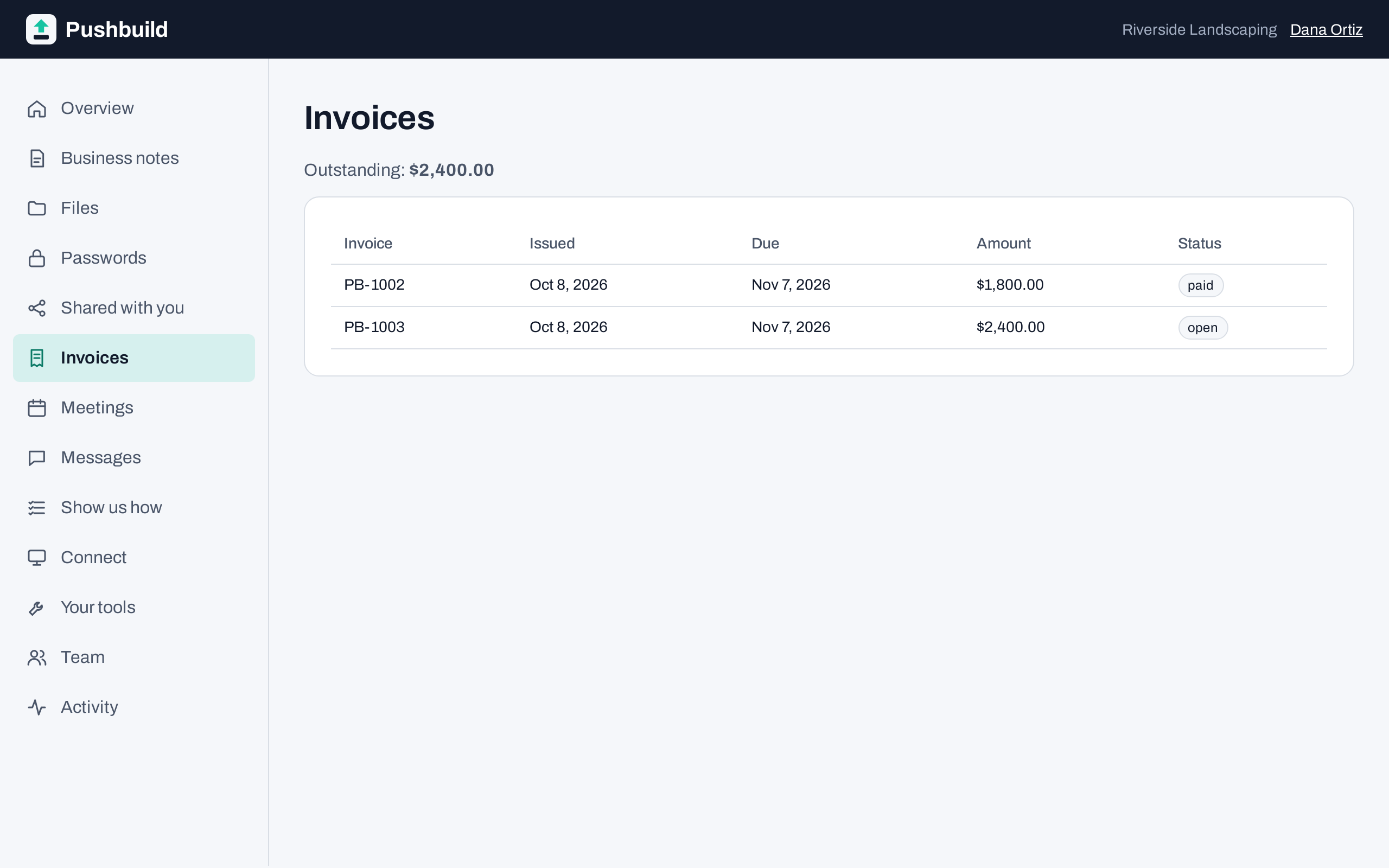
Invoices
View and pay invoices in the same place.
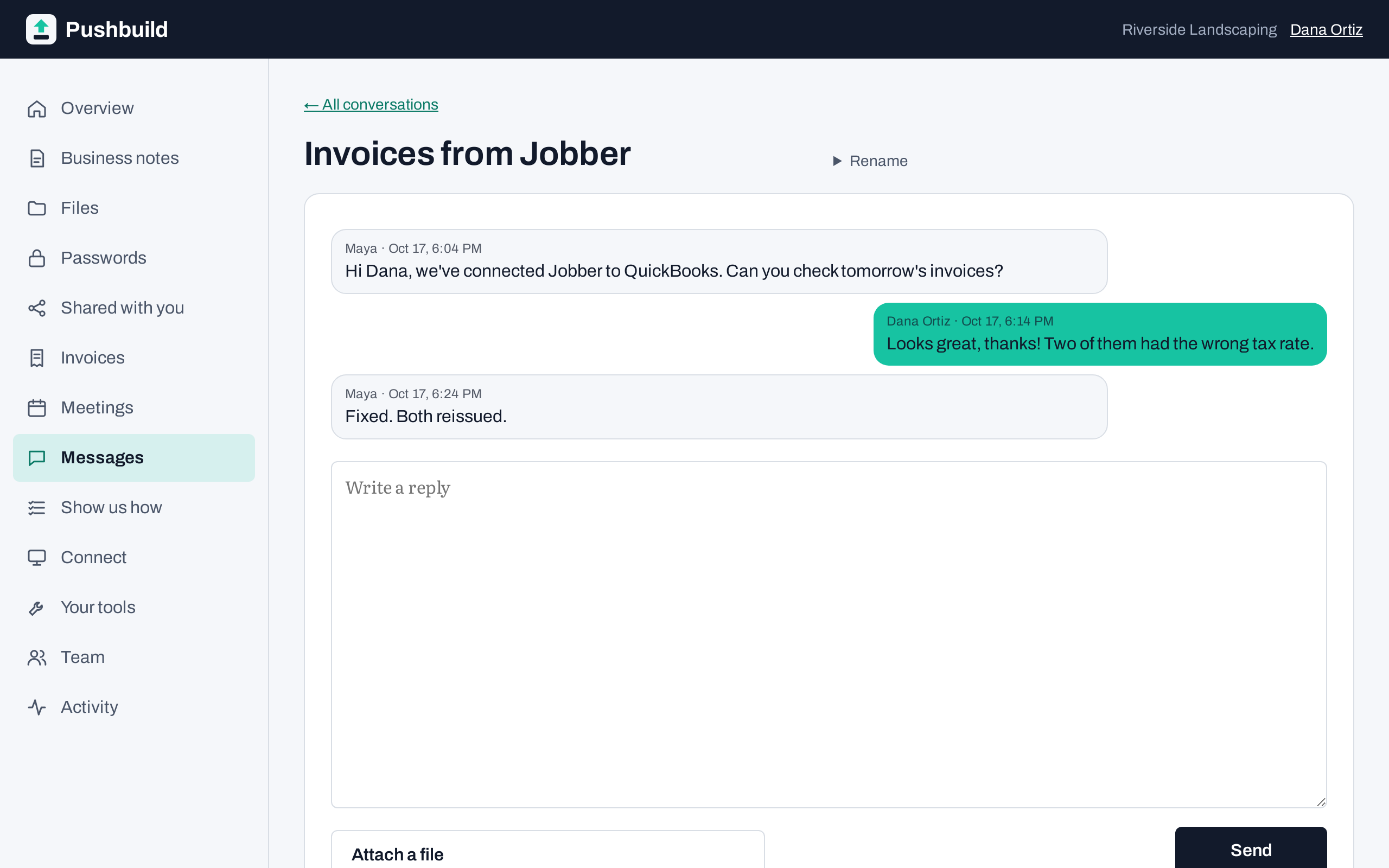
Chat with us
Ask a question or send a file without digging through email.


You stay in control
- Nothing happens on your computer unless you have switched it on.
- You can see when we are working, and stop it with one click.
- Every action is written to a log you can read.
- Files and saved passwords are stored encrypted.
Tell us what you need built.
Email a short description of the problem, or call. We reply with questions or a written scope, then send your Connect invitation.
hello@pushbuild.com