Software that answers the call, books the job and sends the invoice for a plumbing company.
A plumber's phone rings when both hands are busy. We build the parts around it: a text back for every missed call, a booking page that knows your service area, estimates that get chased, and invoices that go out when the job is done. The scope is written down and agreed before we start.
What plumbing companies tell us before a project starts.
We miss calls under a sink or in a crawl space and the customer rings someone else.
Emergency calls and routine quotes land in the same queue.
Estimates go out and we never hear back, and nobody chases them.
Invoices are written up in the evening from the day's notes.
We would love more reviews but never remember to ask.
What we build
Each one is a working piece you can open and check when it's done.
Missed-call text back and call handling
Missed calls and web forms get an instant text and a booking link. Messages that mention a leak, flood or no water can be routed to the on-call plumber.
Illustrations of the shape of the work, not past clients. Yours gets its own written scope.
Example project
After-hours emergency routing
Example: a plumbing company wants overnight calls answered, with burst pipes and flooding sent straight to the on-call plumber by text and everything else booked for the next morning.
GoHighLevel, voice assistant, SMS
Example project
Estimate chase
Example: a plumber sends estimates from a field app and wants anything unanswered after two days to trigger a short reminder, then a call task for the office after a week.
Field software API, CRM, SMS
Example project
End-of-job paperwork
Example: a two-van plumbing business wants a completed job to produce a draft invoice, a thank-you message and a review request, without anyone in the office touching it.
Field software, QuickBooks, SMS
Example build
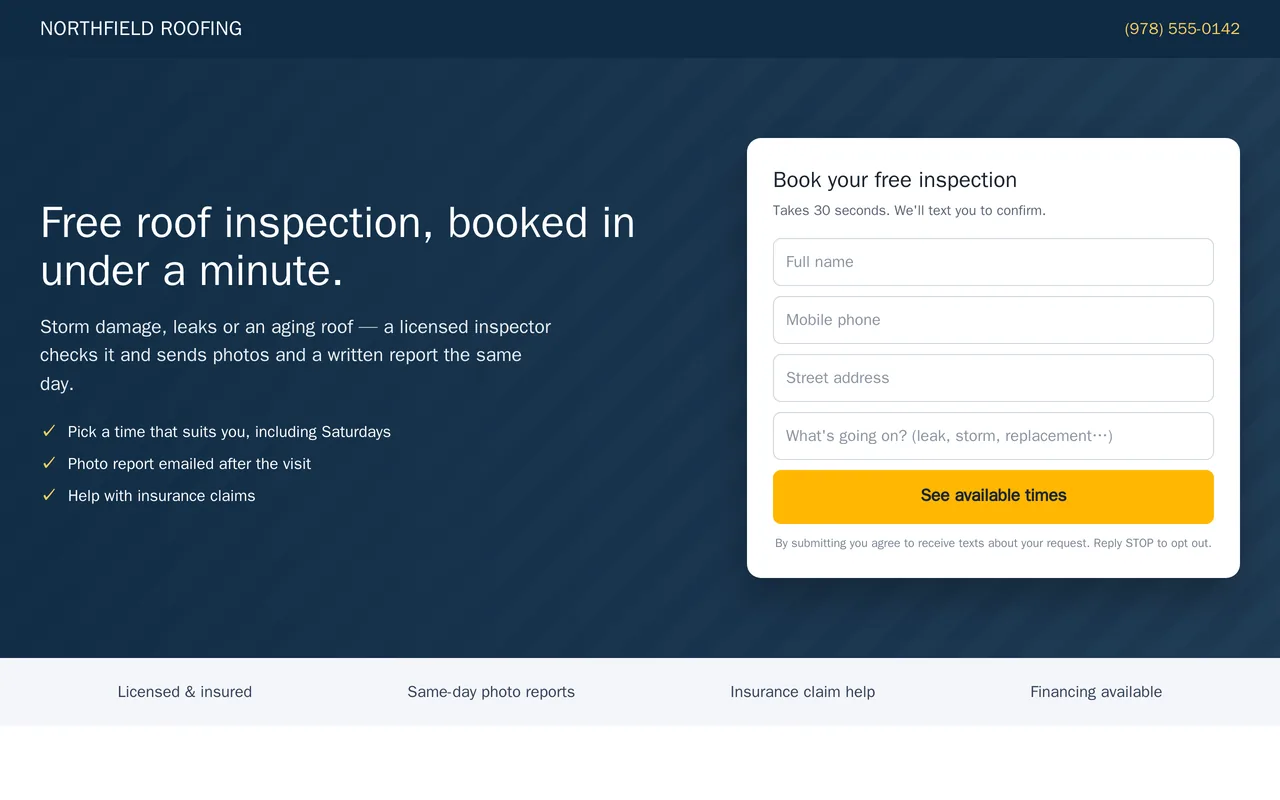
Lead-to-booking system for a roofing company (GoHighLevel)
Inspection landing page and form (desktop and mobile)
Booked / no-response branches with reminders and a 7-day nurture
Residential Roofing pipeline with stages from new lead to won
GoHighLevel workflows, opportunities, calendars, forms, SMS and email
Questions people ask first
Will an assistant on the phone sound like a robot?
It will tell callers plainly that it is an automated assistant, keep to a short script you approve, and pass the call to a person when it is unsure. You hear how it sounds before it goes live.
Do we have to change our field software?
No. We connect what you already use.
Who owns what you build?
You do. It runs in your own accounts, with notes so you can change it later.
How do we start?
Tell us what software you use and where calls or paperwork slip through. We reply with questions or a written scope.