
Free browser extension · Chrome and Firefox
Groove records your browser work privately, shows you the routines you repeat, and turns them into grooves: automations that you, a schedule or your AI agent can run, in your own browser and with your own logins.
Download for ChromeRead the guideDocs for agents and developers
Version 0.3 · Firefox Add-ons listing is in review · Edge: install the Chrome version
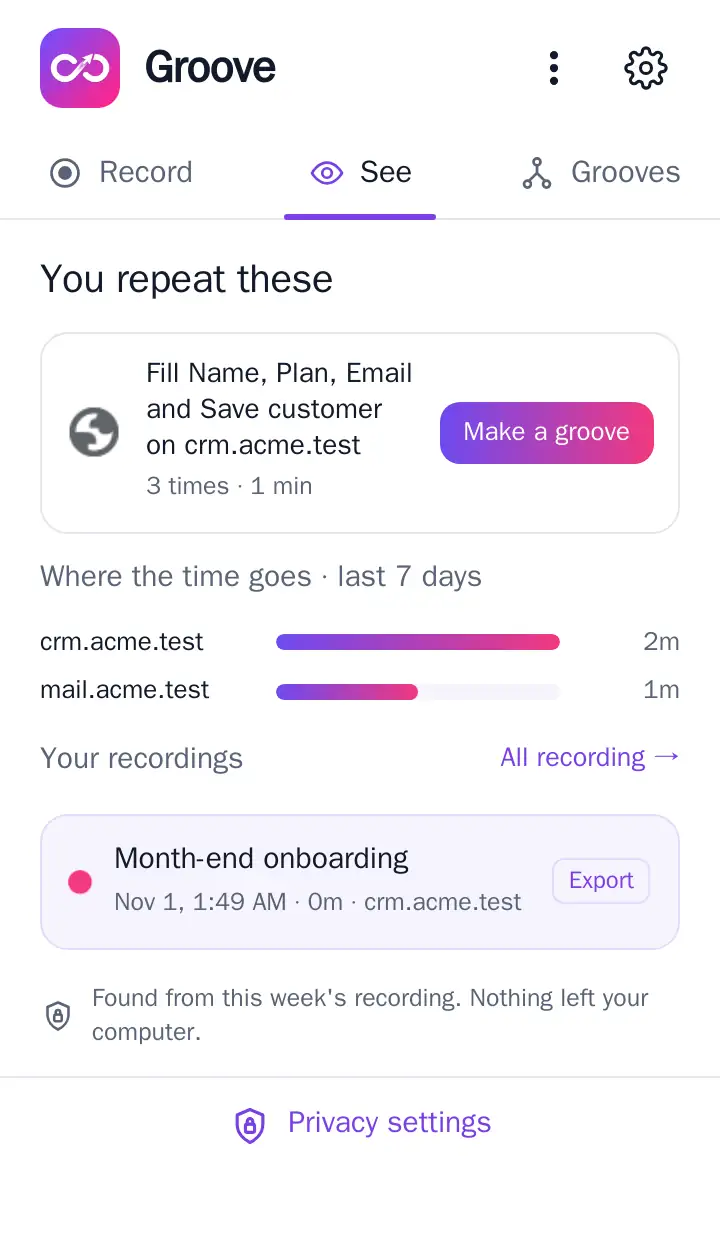
Record without thinking about it
Groove keeps a running record of what you do on the sites you allow. Start a recording to record one task on its own, and add notes to say what you were doing and why.
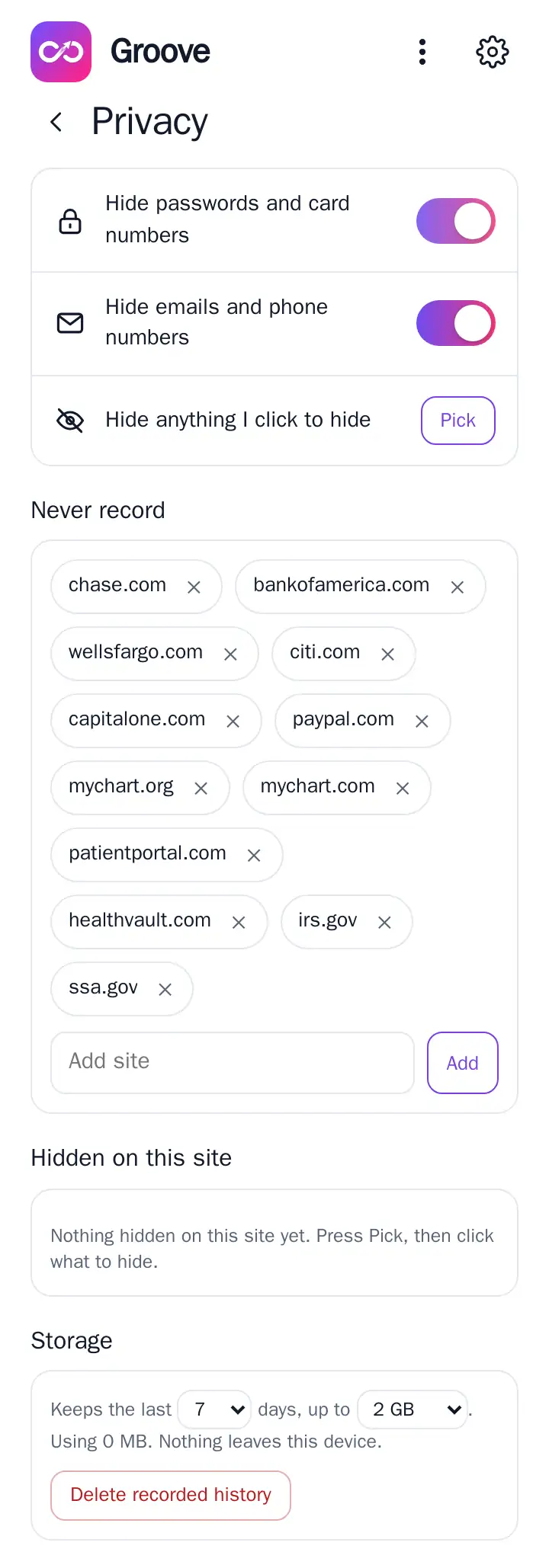
Passwords and card numbers are never recorded. Account numbers, codes and tokens are masked on your computer before anything is stored.
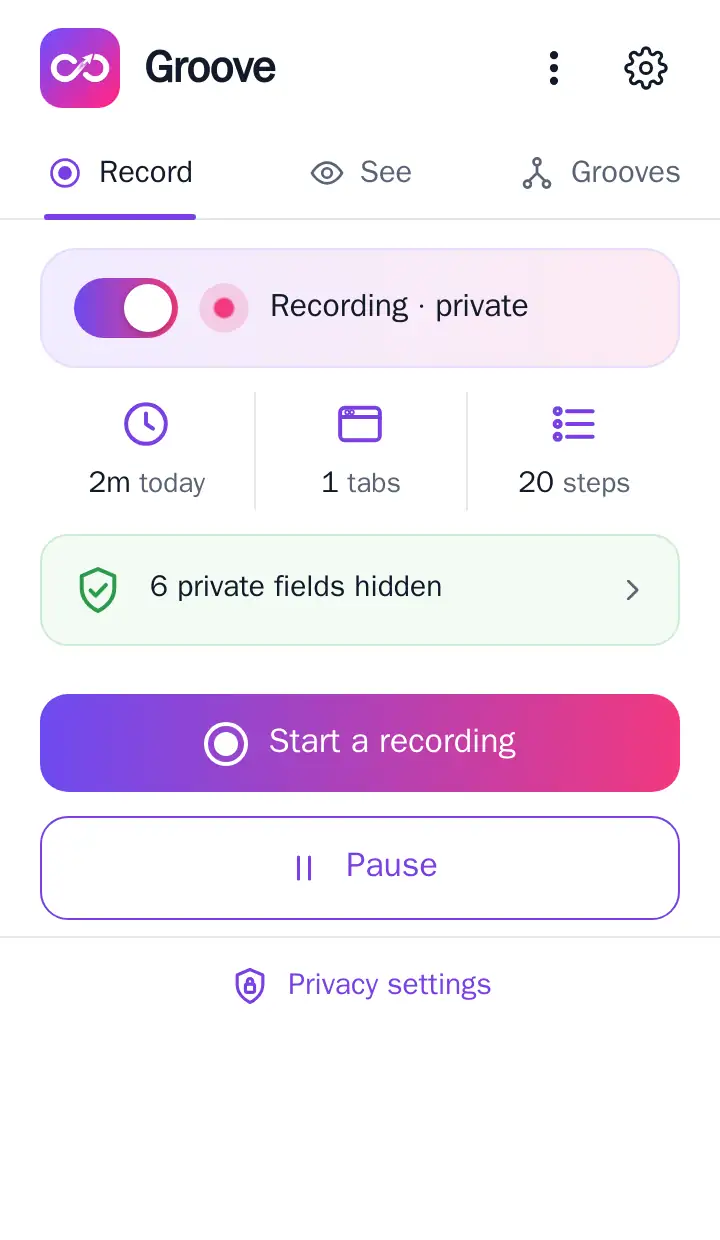
Turn a routine into a groove
A groove is a list of plain steps: open a page, type, click, read a value. Values that change each run become inputs. Values that stay the same are settings, saved once for you.
- Collect a list across many pages and keep only what is new
- Run once for every row of a spreadsheet
- Run on a schedule and alert you when something appears or changes
- Wait for your OK before any step that pays, sends or deletes
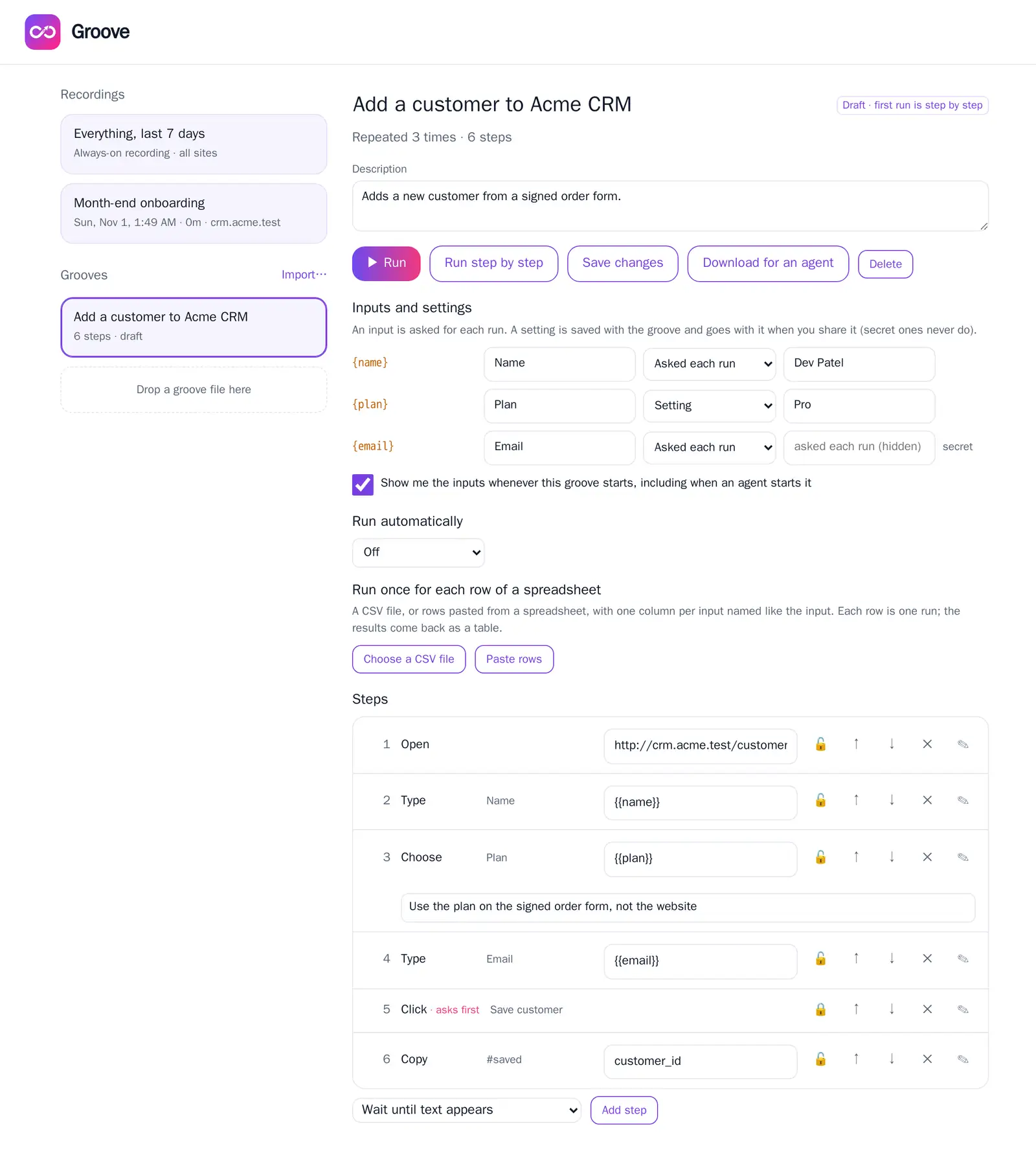
Run it, with you in control
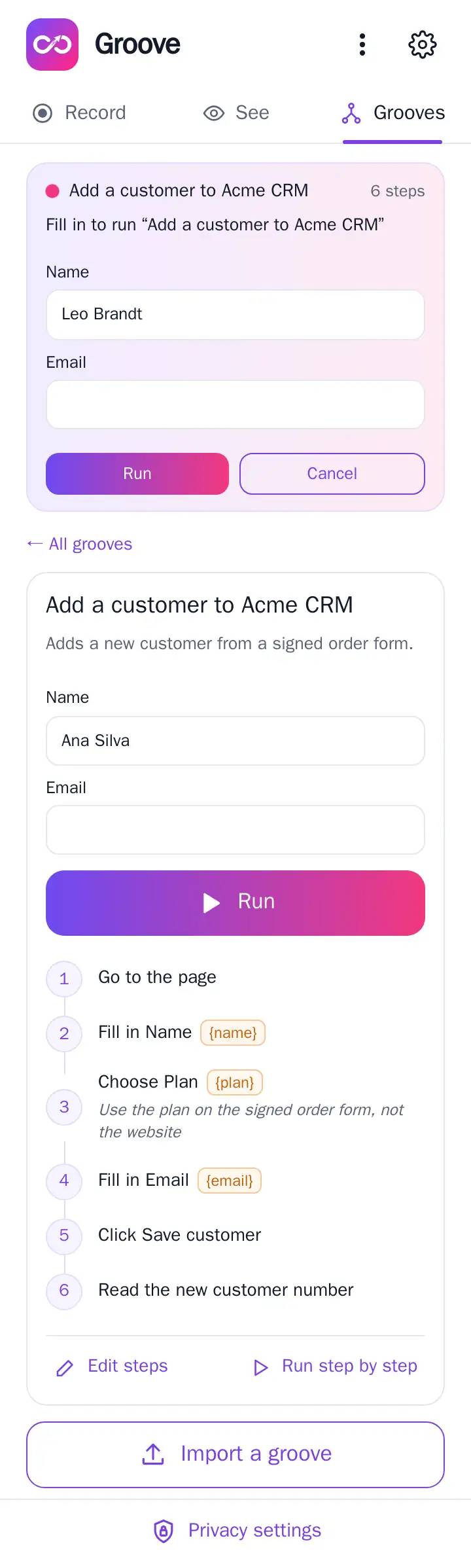
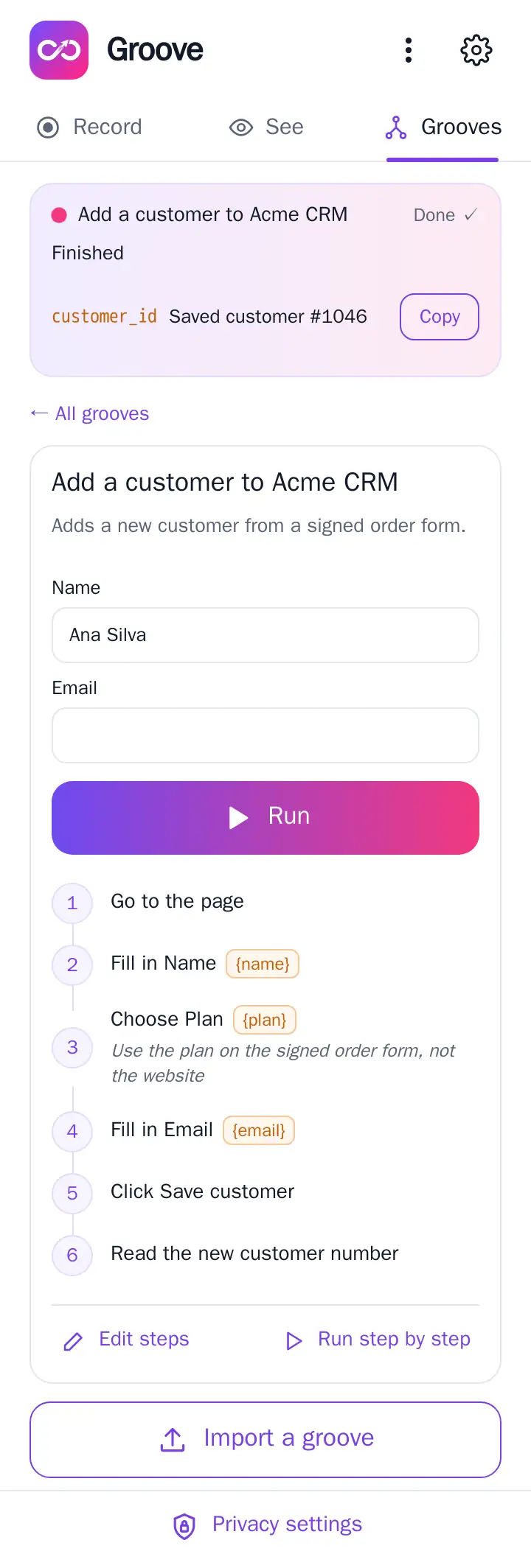
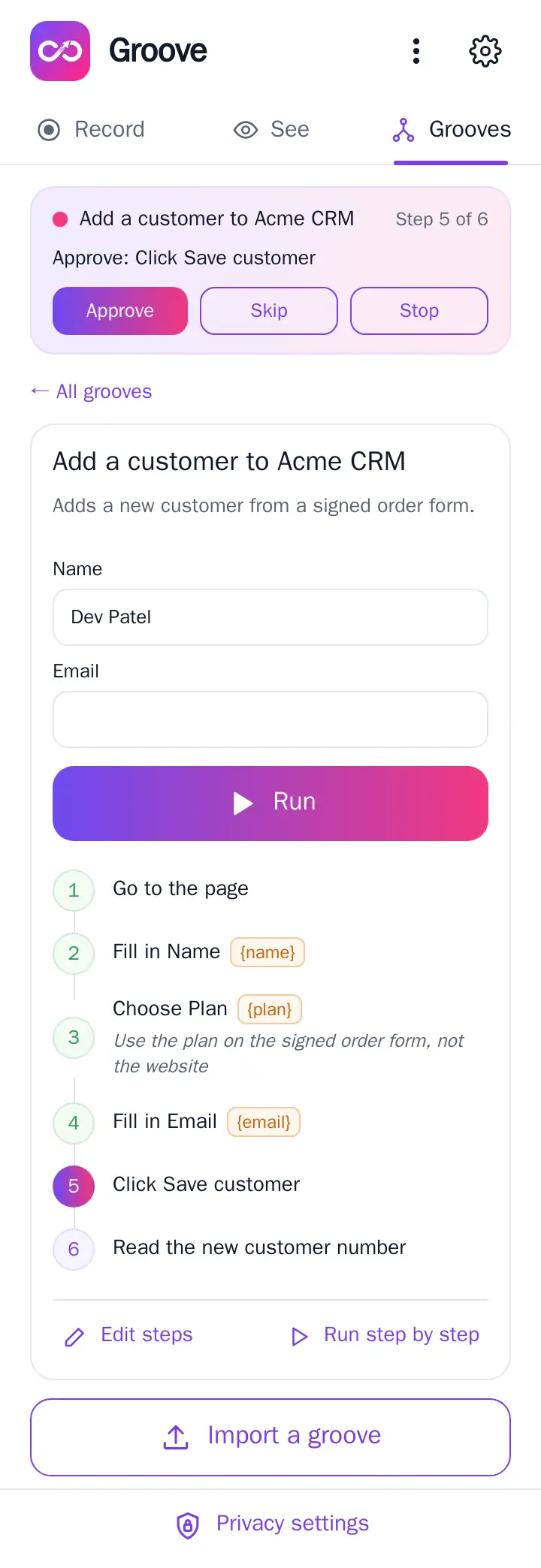
A groove asks for its inputs, shows each step as it goes, and hands you the results at the end. The first run of any new groove goes step by step, so you see exactly what it does.
Work with any AI agent
Download a recording or a groove as a file built for agents to read: plain-language steps, an exact schema and instructions, with results and secret values left out. Give it to Claude, ChatGPT or any agent, then import what it gives back.
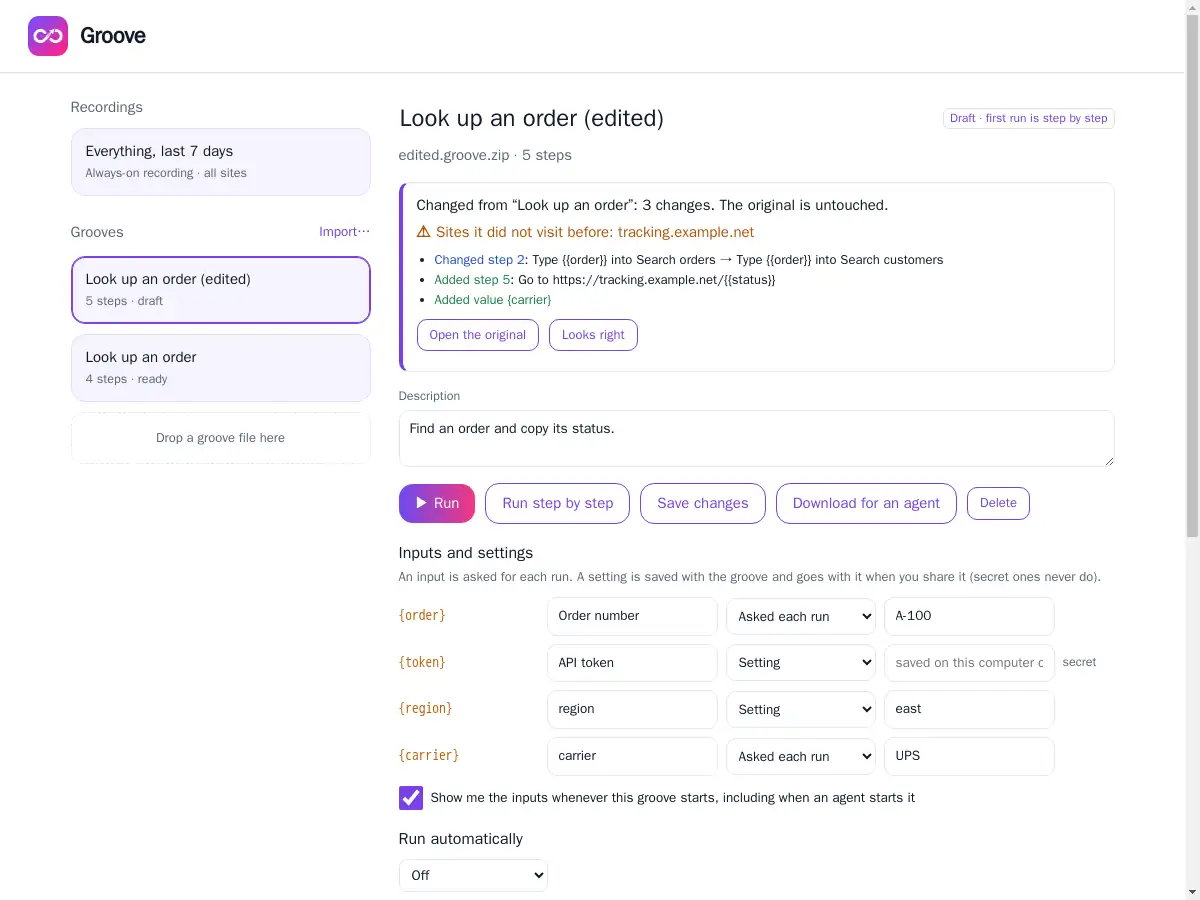
Groove shows exactly what changed, and any new site the groove would visit, before anything runs. Or connect your agent over MCP so it can read your masked history and propose grooves directly.
What people use it for
Worked examples in the guide →
Private by design
- Recordings, grooves and results stay in your browser. Nothing is sent to Pushbuild.
- Turn recording off for any site, pause it, choose how many days to keep, or delete it all.
- Agents see masked data only, and cannot run a new groove until you have run it yourself.
Read the Groove privacy policy.
Install Groove
Chrome (and Edge)
- Download groove-chrome.zip and unzip it.
- Open
chrome://extensions(Edge:edge://extensions) and turn on Developer mode. - Click Load unpacked and choose the unzipped folder.
- In the welcome tab, press Allow on all sites. Groove records nothing until you do.
The Chrome Web Store listing is on its way; when it is live, installing will be one click.
Firefox
The Firefox Add-ons listing is in review with Mozilla. This page will link to it as soon as it is approved.
Next
The guide walks through everything with pictures, from your first recording to a scheduled groove.